- What is RADIUS?
- AI-Powered Experience Orchestration
- Omnichannel Customer Engagement
- Intelligent Routing & Journey Management
- Agent Console & Productivity
- Supervisor & Workforce Management
- Outbound Campaigns & Dialer
- Quality Management & Compliance
- Analytics & Business Intelligence
- Platform, Security & Open Ecosystem
- CRM Connector
- Agent Script Builder
- What is RADIUS?
- AI-Powered Experience Orchestration
- Omnichannel Customer Engagement
- Intelligent Routing & Journey Management
- Agent Console & Productivity
- Supervisor & Workforce Management
- Outbound Campaigns & Dialer
- Quality Management & Compliance
- Analytics & Business Intelligence
- Platform, Security & Open Ecosystem
- CRM Connector
- Agent Script Builder
Agent Console & Productivity
A single, intelligent workspace that gives agents everything they need — and nothing they don't.
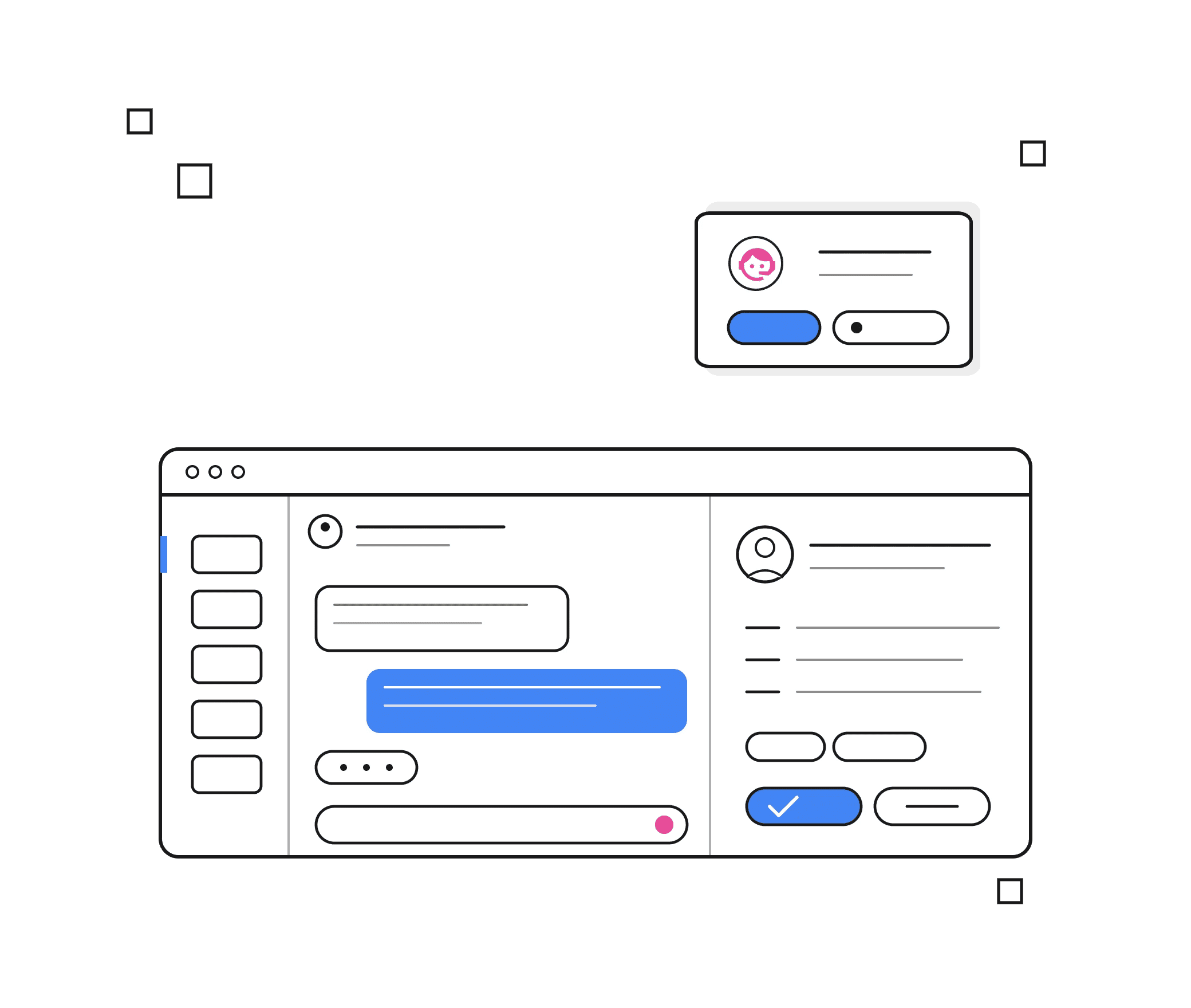
Unified Agent Desktop
All interaction types — voice, chat, email, social, video — managed from one unified desktop with a single customer view, eliminating the need to switch between tools.
Omnichannel Interaction History
Instantly surface the complete, chronological history of every customer interaction across all channels within the agent's workspace.
Cross-Channel Customer Profile
Display a consolidated customer record — identity, preferences, interaction history, open tickets, and CRM data — at the point of each new interaction.
Contextual CRM Data Panel
Embed live CRM data directly in the agent console — account details, open cases, purchase history — without requiring the agent to leave the desktop.
Past Interaction Transcripts
Provide agents with searchable transcripts of all prior conversations for seamless continuity and context before follow-up interactions.
Agent Notes
Enable agents to capture, review, and annotate notes at any stage of an interaction — including notes left by previous agents for shared context.
Customer Sentiment Indicator
Display a live sentiment score badge — positive, neutral, or negative — alongside each active interaction so agents can tailor their approach immediately.
Peer Status & Buddy List
Show real-time availability status of teammates for instant transfers, warm handoffs, or consultation without leaving the active interaction.
Audio-Visual Interaction Alerts
Deliver smart audio and on-screen notifications for new interactions, escalations, and queue urgency — ensuring nothing is missed.
AI-Assisted Agent Tools
Embedded AI assistant panel within the agent desktop that surfaces real-time next-best actions, knowledge articles, and interaction summaries without any manual search.
AI-Suggested Responses
Copilot generates ready-to-use response suggestions for chat and email channels based on customer message content, reducing handle time and improving quality.
Dynamic Guided Agent Scripts
AI-powered, attribute-driven scripts that update in real time based on customer profile, interaction type, and conversation context — not static playbooks.
Knowledge Base
Enable agents to search a centralized knowledge repository from within the active interaction pane — with AI surfacing the most relevant articles automatically.
Message Template Designer
Build and manage reusable response templates for chat, email, and SMS — deployable with one click to reduce handle time and ensure message consistency
Auto-Fill After-Call Work
Agent Copilot pre-populates interaction summary, disposition code, and CRM fields after each call — agents review and confirm rather than type from scratch.
Screen Pop with AI Context
Surface a fully-assembled customer view — account details, predicted intent, sentiment, recent interactions — the moment an interaction is connected, before the agent speaks a word.
Interaction Handling Controls
Consult with a colleague before handing off a customer, with the ability to share context notes so the receiving agent is fully briefed.
Cold Transfer
Instantly redirect a customer to another agent or queue without prior consultation.
Multi-Party Conference Calling
Initiate or join multi-party voice conferences with direct start, consult-to-conference, and individual participant hold and drop controls.
Call Hold, Retrieve & Music on Hold
Place callers on hold with custom messaging or branded hold music and retrieve them instantly when ready.
SIP & WebRTC Endpoint Support
Support hard phones (SIP), browser-based clients (WebRTC), and third-party endpoints for flexible, location-agnostic agent setup.
State Management & Break Codes
Allow agents to set availability status with granular, configurable break codes to give supervisors accurate real-time workforce visibility.
100% Interaction Recording
Capture every voice, chat, email, social, and video interaction automatically and continuously across all channels. Recording is always on by default for compliance and quality purposes with on-demand recording also available for agents and supervisors who need to initiate or pause capture manually during specific interactions.
Chat, Email, Video Transfer & Conference
Transfer or escalate active chat, email, and video interactions to another agent or team with full context intact. Invite additional agents or specialists into a live session for collaborative resolution across any channel without the customer needing to restart or repeat their query.
Interaction Disposition (Multilevel)
Tag, categorize, and annotate the outcome and reason for each interaction post-call using configurable multilevel disposition codes.
Agent Self-Management
Let agents monitor their own live KPIs — handle time, CSAT scores, queue depth, and daily targets — driving self-accountability without supervisor prompting.
Gamification & Leaderboards
Introduce performance gamification with team leaderboards, recognition badges, and goal-tracking to boost agent motivation and healthy competition.
Interaction Playback Tool
Give agents access to recordings and transcripts of their previous interactions for self-review, reflection, and preparation before follow-up engagements.
Auto-Answer Mode
Configure automatic interaction acceptance to minimize ring time and ensure customers are connected the instant an agent becomes available.
Real-Time Queue Status
Display live queue depth, wait times, and SLA status directly in the agent console so agents can self-manage pace and prioritization.